Your Site Structure Is Killing Your SEO—Here’s How to Fix It Fast!
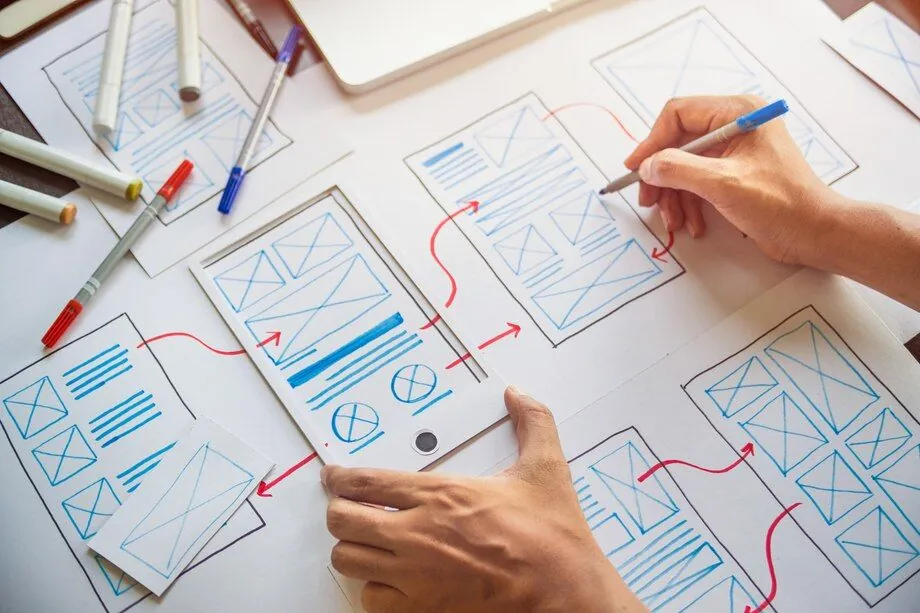
A well-structured website is the foundation of
strong search engine optimization (SEO)
. Without a clear and logical structure, search engines struggle to understand your site's content, and users may have difficulty navigating it. At
DigitalTreehouse
, a leading website development and marketing company in Franklin, TN, we specialize in
designing SEO-friendly website structures
that help businesses improve rankings, user experience, and conversions.
In this guide, we'll explore
best practices for structuring your site
to maximize SEO results and attract more organic traffic.
Why Site Structure Matters for SEO
Optimizing images and videos is essential for:
Your website’s structure is
how pages are organized and linked
. A clear structure helps:
Improve Search Engine Crawling – Google uses web crawlers to index pages, and a well-organized structure makes this process more efficient.
Enhance User Experience – Visitors can easily find what they need, reducing bounce rates and increasing engagement.
Distribute Page Authority – Internal linking between pages helps distribute "SEO juice," improving rankings.
Boost Site Speed & Performance – A clean structure prevents excessive redirects, duplicate content, and unnecessary loading delays.
Key takeaway
:
A well-structured site ensures both users and search engines
can navigate your website with ease.
Establishing a Logical Website Hierarchy
The Ideal Site Structure
A simple and
organized hierarchy
helps both users and search engines understand your content. Your structure should follow this pattern:
Homepage
→ Main Categories → Subcategories → Individual Pages
For example, if you're a
plumbing company
, your structure might look like this:
Homepage
Services
Drain CleaningLeak RepairsWater Heater InstallationAbout Us
Contact
Best Practices for Site Hierarchy
Keep your structure **flat** , meaning users can reach any page within 3-4 clicks.Use **descriptive page names** that clearly indicate content.Ensure **each category is distinct** and does not overlap.
Pro Tip:
Keep image sizes
under 150 KB
for optimal page speed.
Using SEO-Friendly URLs
Your URLs should be
short, readable, and descriptive
. A well-structured URL helps search engines understand your page content and improves user experience.
Best Practices for SEO-Friendly URLs
Avoid:
example.com/category123/page456
Use:
example.com/services/drain-cleaning
Keep URLs short and meaningful – Aim for 3-5 words per URL.
Use hyphens (-) instead of underscores (_) or spaces .
Avoid special characters and numbers unless necessary.
Include relevant keywords in the URL.
Pro Tip:
Once a URL is published, avoid changing it to prevent broken links and SEO drops.
Internal Linking to Strengthen SEO
Why Internal Links Matter
Internal links connect different pages on your site, helping search engines:
Discover and index new pages faster.Understand the relationship between pages.Improve **ranking power** by passing authority from one page to another.
Best Practices for Internal Linking
Use relevant anchor text – Instead of "click here," use "learn more about drain cleaning services."
Link from high-authority pages (like your homepage) to important service pages.
Avoid excessive links – Keep a natural flow.
Check for broken links regularly using tools like Google Search Console.
Pro Tip:
Every blog post should include at least 2-3 internal links to other relevant pages.
Creating an SEO-Optimized Navigation Menu
Your navigation menu is
the main way users and search engines explore your site
. A poorly structured menu can frustrate users and harm SEO.
Best Practices for an SEO-Friendly Menu
Keep menus **simple** with no more than **7 main items** .Use **clear, keyword-rich labels** (e.g., "Plumbing Services" instead of "What We Do").Avoid **dropdown menus** with too many subcategories – search engines may struggle to crawl them.Make sure **important pages are no more than 3 clicks** away from the homepage.
Pro Tip:
Use
breadcrumb navigation
to show users their location within the site and help search engines understand your structure.
Improving Mobile Usability
With
over 60% of searches
coming from mobile devices, having a
mobile-friendly website
is crucial for SEO.
How to Optimize for Mobile SEO
Use a responsive design that adjusts to different screen sizes.
Ensure text is readable without zooming in.
Make buttons large enough for easy tapping.
Speed up mobile loading times by optimizing images and using lazy loading .
Pro Tip:
Use
Google’s Mobile-Friendly Test
to ensure your site meets mobile SEO standards.
Why Choose DigitalTreehouse for SEO-Optimized Website Development?
At
DigitalTreehouse
, we help businesses:
Build **SEO-friendly website structures** for better rankings.Improve **site navigation** for enhanced user experience.Optimize **URLs, internal links, and mobile usability** .Implement the latest **SEO strategies** for long-term growth.
Frequently Asked Questions
Need help optimizing your website’s structure?
Contact DigitalTreehouse today for expert SEO solutions!
Need Help With Your Digital Marketing?
DigitalTreehouse offers expert consulting, AI automation, and digital marketing services.
Contact Us Today